

Medicare Part D Notices Are Due By October 15
The date for distributing Medicare Part D notices is approaching.

A periodic review of your Health FSA design can help determine whether your current approach still meets the needs of your workforce.

Many employers adopted a Health Flexible Spending Account (Health FSA) grace period or carryover feature years ago and have continued with the same design ever since. While both options help employees preserve unused Health FSA funds, they work differently and may affect employee participation, plan administration, and employee communications.
A periodic review of your Health FSA design can help determine whether your current approach still meets the needs of your workforce.
Although both features are designed to reduce forfeitures, employers generally must choose one or the other.
Under a carryover provision, employees may carry over up to the IRS annual maximum (adjusted periodically for inflation) of unused Health FSA funds into the next plan year. The carried-over amount is available in addition to any new Health FSA election the employee makes for the new plan year.
A grace period, on the other hand, gives employees up to an additional 2½ months after the end of the plan year to incur eligible medical expenses using their remaining Health FSA balance from the previous year. Once the grace period ends, any remaining unused funds are generally forfeited.
As organizations evolve, so do employee needs. A Health FSA feature that worked well several years ago may no longer be the best fit for your current workforce.
Consider questions such as:
Reviewing participation trends and employee feedback may help identify opportunities to improve your plan design.
Each option has different administrative considerations.
A carryover feature can simplify year-end planning for employees and reduce forfeitures, but employers and administrators must accurately track carryover balances into the following plan year.
A grace period allows employees additional time to incur eligible expenses but can extend the period during which claims are processed and delay final reconciliation of the prior plan year.
Understanding these operational differences can help employers determine which approach best aligns with their administrative processes.
Employers should also consider how their Health FSA design affects employees who are eligible to contribute to a Health Savings Account (HSA).
Unused Health FSA balances carried into a new plan year or remaining available during a grace period may affect an employee’s HSA eligibility unless the plan has been properly designed to address those situations, such as by converting remaining balances to a limited-purpose FSA when permitted.
Employers should review these rules carefully when evaluating any Health FSA design changes.
Regardless of which option your plan offers, employees should clearly understand:
Clear communication can help employees make informed benefit elections and avoid surprises at the end of the plan year.
If you are considering changing from a grace period to a carryover, or vice versa, remember that these features are governed by your cafeteria plan document and applicable IRS rules. Changes generally require a formal plan amendment and must be implemented prospectively.
Before making changes, employers should review participation data, forfeiture trends, administrative processes, and employee needs, and work with their benefits administrator or legal counsel to ensure the plan is updated appropriately.
A Health FSA is designed to help employees pay for eligible healthcare expenses on a tax-advantaged basis. Periodically reviewing whether your plan offers a grace period or a carryover can improve the employee experience, reduce administrative challenges, and help ensure your plan design continues to support the needs of your workforce.
Benefit Allocation Systems (BAS) provides online solutions for: Employee Benefits Enrollment; COBRA; Flexible Spending Accounts (FSAs); Health Reimbursement Accounts (HRAs); Leave of Absence Premium Billing (LOA); Affordable Care Act Record Keeping, Compliance & IRS Reporting (ACA); Group Insurance Premium Billing; Property & Casualty Premium Billing; and Payroll Integration.
MyEnroll360 integrates with major insurance carriers for enrollment eligibility management (e.g., Blue Cross, Blue Shield, Aetna, United Health Care, Kaiser, CIGNA and others), and with leading payroll platforms for enrollment deduction management (e.g., Workday, ADP, Paylocity, PayCor, UKG, and others).
This article is for informational purposes only and is not intended as legal, tax, or benefits advice. Readers should not rely on this information for taking (or not taking) any action relating to employment, compliance, or benefits. Always consult with a qualified professional before making decisions based on this content.
The date for distributing Medicare Part D notices is approaching.

Why was an employee’s FSA debit card declined if the expense is eligible?
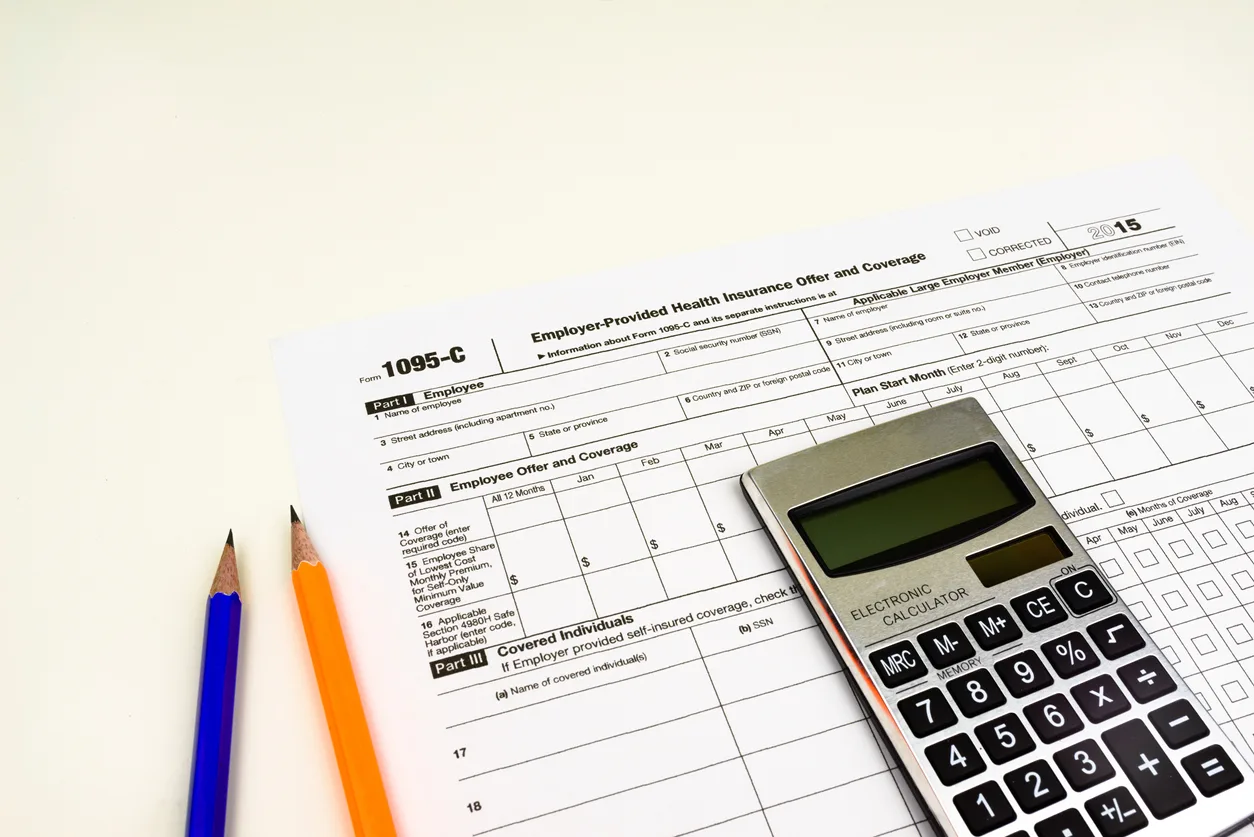
For employers with multiple related companies, understanding how the ACA treats employees who move between entities is important for accurate eligibility and reporting.