Medicare Part D Notices Are Due By October 15
The date for distributing Medicare Part D notices is approaching.
Open enrollment creates new opportunities for benefits-related phishing scams.
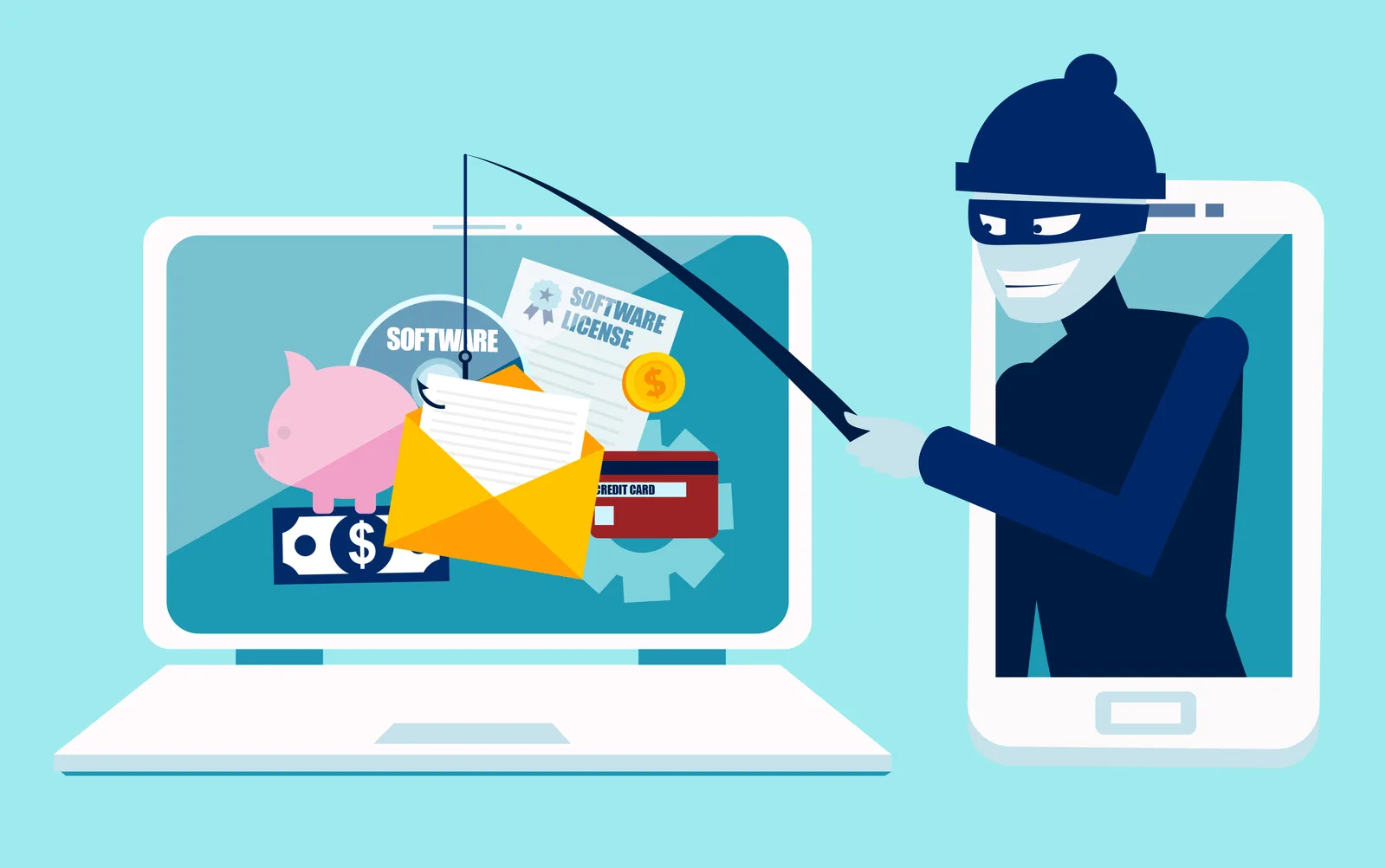
For employers with calendar-year benefit plans, open enrollment season means employees are receiving more benefits-related emails than usual. They may receive messages from HR, benefits administrators, insurance carriers, and other benefit vendors asking them to review plan information, make elections, verify information, or log in to an online benefits system.
Unfortunately, that increased activity can also create an opportunity for phishing attacks. Employees who are expecting benefits-related communications may be less suspicious of an email telling them to “review your new benefits,” “confirm your enrollment,” or “log in before the deadline.”
Phishing attacks often work because the message looks like something the recipient was already expecting. During open enrollment, an attacker does not necessarily need detailed information about an employer’s benefit plans. A convincing email announcing that “2027 Open Enrollment Is Now Available” may be enough to encourage an employee to click a link.
Attackers may imitate communications from an employer’s HR department, benefits administrator, health insurance carrier, or other recognizable organization. A fraudulent message could direct employees to a fake benefits portal designed to capture usernames and passwords or ask employees to provide personal information such as Social Security numbers, dates of birth, dependent information, or financial information.
Employees should also be cautious of unexpected password-reset requests, enrollment confirmations they did not initiate, QR codes directing them to login pages, and messages creating urgency by claiming that benefits will be lost unless immediate action is taken.
One of the most effective steps HR can take is to tell employees what legitimate open enrollment communications will look like before those communications begin.
Employees should know:
If employees know in advance that they will receive an enrollment email from a particular benefits administrator on a certain date, they are better positioned to distinguish that communication from an unexpected message.
HR can also provide employees with the correct benefits website independently of the enrollment email. Employees can then bookmark the legitimate site and access it directly rather than relying on links contained in subsequent emails.
Employers should also consider how they communicate changes during open enrollment. An unexpected email stating that the enrollment website has changed or directing employees to use a “new link” deserves additional scrutiny, particularly if employees were previously given different instructions.
If a legitimate change is necessary, HR should communicate it through established channels and clearly explain what has changed. For significant changes, consider using more than one communication method so employees can independently confirm the new instructions.
Even when an email looks legitimate, employees should take a few seconds to evaluate it before clicking a link or providing information.
Check the sender’s actual email address rather than relying only on the displayed name. Be cautious of misspelled domains, unusual web addresses, unexpected attachments, requests for passwords, or messages that create unusual urgency.
When something does not look right, employees should verify the communication using contact information they already know rather than replying to the questionable email or calling a phone number contained in it.
Employees should know how to report a suspicious benefits-related message. Reporting quickly allows the employer to determine whether other employees received the same message and take appropriate action.
Employers should also encourage employees to report suspicious communications even if they did not click the link. An employee who recognizes a phishing attempt may be providing the first warning that a broader attack is underway.
Open enrollment requires employees to pay attention to numerous emails, deadlines, websites, and benefit decisions. That makes it particularly important to establish trusted communication channels before the enrollment period gets busy.
As part of open enrollment preparation, HR should tell employees what communications to expect, identify the legitimate websites and senders they will encounter, and remind them how to verify and report anything suspicious.
A short security reminder before open enrollment begins can help employees approach legitimate benefits communications with confidence while remaining alert to messages that only look legitimate.
Benefit Allocation Systems (BAS) provides online solutions for: Employee Benefits Enrollment; COBRA; Flexible Spending Accounts (FSAs); Health Reimbursement Accounts (HRAs); Leave of Absence Premium Billing (LOA); Affordable Care Act Record Keeping, Compliance & IRS Reporting (ACA); Group Insurance Premium Billing; Property & Casualty Premium Billing; and Payroll Integration.
MyEnroll360 integrates with major insurance carriers for enrollment eligibility management (e.g., Blue Cross, Blue Shield, Aetna, United Health Care, Kaiser, CIGNA and others), and with leading payroll platforms for enrollment deduction management (e.g., Workday, ADP, Paylocity, PayCor, UKG, and others).
This article is for informational purposes only and is not intended as legal, tax, or benefits advice. Readers should not rely on this information for taking (or not taking) any action relating to employment, compliance, or benefits. Always consult with a qualified professional before making decisions based on this content.
The date for distributing Medicare Part D notices is approaching.
Downloading a report may take only a few seconds, but the file can remain on a computer for months or even years.

A security review before enrollment begins can help eliminate unnecessary risks.