
Cybersecurity Awareness Month: Simple Steps to Protect Sensitive Information
October is Cybersecurity Awareness Month.

Technology makes it easy to share information quickly, but that convenience may also create security risks.
Email makes it easy to share information quickly, but that convenience can also create security risks. A few letters typed into the “To” field may cause an email system to automatically suggest a recipient, and one quick click can send sensitive information to the wrong person.
For HR and benefits professionals, a misdirected email can be particularly serious because everyday communications may contain employee, participant, payroll, benefits, banking, or other confidential information.
Sending an email to the wrong person is often the result of a simple mistake rather than a sophisticated security problem. Common situations include:
Autocomplete can be especially risky because employees who send many emails each day may become accustomed to selecting the first suggested address without looking closely at it.
Employees may recognize the need for additional care when sending Social Security numbers or banking information, but many other types of information also require protection.
HR and benefits emails may contain compensation information, benefit elections, dates of birth, dependent information, medical or claims information, payroll records, enrollment reports, employee identifiers, or other confidential information. Even an attachment that appears routine could contain information that should not be disclosed to another employee or an outside individual.
One of the simplest ways to prevent a misdirected email is to slow down when sensitive information is involved. Before sending, verify the actual email address rather than relying solely on the recipient’s displayed name.
Also check the attachment. Make sure it is the document you intended to send and that it does not contain information about individuals who are not relevant to the communication.
Before sending sensitive information, ask:
These checks may take only a few seconds and can prevent a much larger problem.
If you discover that sensitive information was sent to an unintended recipient, report the incident immediately using your organization’s established security reporting procedures.
Do not wait to see whether the recipient opens the message. Do not assume that the information is not sensitive enough to matter. The appropriate security or privacy personnel should evaluate what was sent, who received it, and what steps should be taken.
Depending on the circumstances and the technology involved, the organization may be able to recall, expire, restrict access to, or otherwise contain the message. The unintended recipient may also be asked to permanently delete the email and any attachments and confirm that the information was deleted.
The sooner the incident is reported, the greater the opportunity may be to contain the information before it is accessed or further disclosed.
Employees should not assume that recalling or expiring a message means there is nothing else to do. Recall features do not always work, and even when access to a message can be removed, the incident should still be reported.
The organization may need to document what information was involved, determine whether it was accessed, evaluate the potential risk, and decide whether any additional action is necessary.
People sometimes hesitate to report a misdirected email because they are embarrassed or believe they can resolve the situation themselves. Trying to quietly correct the mistake can delay the organization’s response and potentially make the situation more difficult to address.
Security incidents should be reported promptly, even when they result from an innocent mistake. Employees should provide the facts and follow the organization’s instructions rather than trying to determine on their own whether the incident presents a security or privacy concern.
Email errors can happen quickly, but many can be prevented by taking a few extra seconds before sending sensitive information. Verify the recipient, review the email address, check the attachments, and consider whether email is the appropriate method for transmitting the information.
If something does go wrong, report it immediately. Prompt reporting gives the organization the best opportunity to contain the information, evaluate the situation, and take appropriate action.
Benefit Allocation Systems (BAS) provides online solutions for: Employee Benefits Enrollment; COBRA; Flexible Spending Accounts (FSAs); Health Reimbursement Accounts (HRAs); Leave of Absence Premium Billing (LOA); Affordable Care Act Record Keeping, Compliance & IRS Reporting (ACA); Group Insurance Premium Billing; Property & Casualty Premium Billing; and Payroll Integration.
MyEnroll360 integrates with major insurance carriers for enrollment eligibility management (e.g., Blue Cross, Blue Shield, Aetna, United Health Care, Kaiser, CIGNA and others), and with leading payroll platforms for enrollment deduction management (e.g., Workday, ADP, Paylocity, PayCor, UKG, and others).
This article is for informational purposes only and is not intended as legal, tax, or benefits advice. Readers should not rely on this information for taking (or not taking) any action relating to employment, compliance, or benefits. Always consult with a qualified professional before making decisions based on this content.
October is Cybersecurity Awareness Month.

Benefits adjustments can create financial, operational, and compliance challenges.
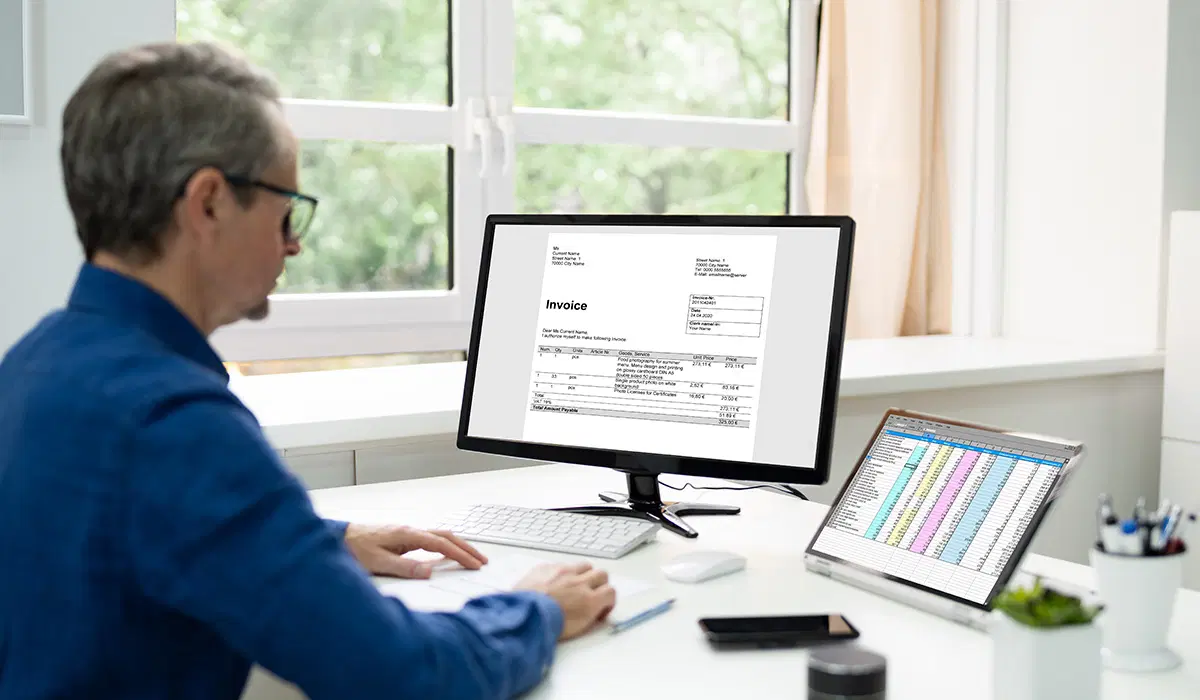
Ensuring information is accurate and consistent across systems is an important part of meeting ACA requirements.