
Medicare Part D Notices Are Due By October 15
The date for distributing Medicare Part D notices is approaching.
October is Cybersecurity Awareness Month.
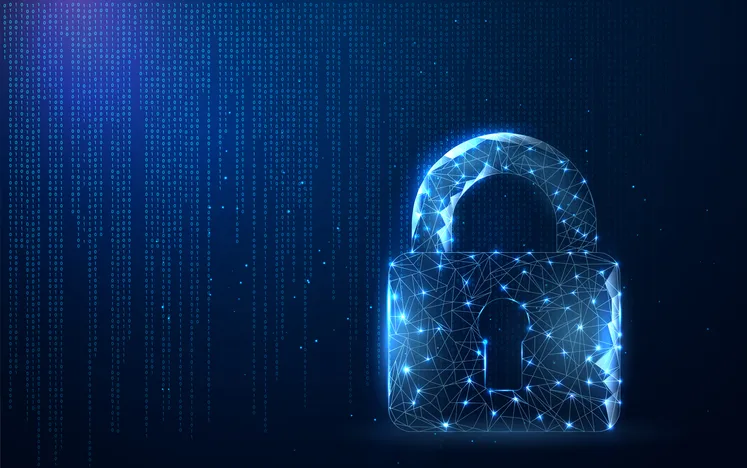
October is Cybersecurity Awareness Month, an annual reminder that protecting sensitive information requires ongoing attention from both employers and employees. In an October 2, 2026, alert, the Internal Revenue Service (IRS) emphasized that everyday cybersecurity practices can help individuals and organizations reduce their exposure to identity theft, fraud, and cyberattacks.
Although the IRS alert focused primarily on protecting tax information, its recommendations apply to businesses of all sizes, particularly HR, payroll, and benefits departments that regularly handle sensitive employee information.
Cybercriminals frequently target organizations through phishing emails, stolen credentials, fraudulent requests, and outdated software. While sophisticated security technology provides important protections, employees also play a significant role in preventing unauthorized access to information.
The IRS recommends several practices that organizations and individuals can incorporate into their daily routines:
HR and payroll departments are particularly attractive targets because they maintain employee Social Security numbers, addresses, compensation information, banking details, and benefits records.
The IRS specifically warns businesses about phishing attempts, fraudulent invoices, and schemes involving employee W-2 forms and payroll information. Cybercriminals may impersonate company executives, employees, vendors, or other trusted contacts to obtain confidential information or redirect payments.
For example, an HR employee might receive an email appearing to come from a company executive requesting copies of employee W-2 forms. A payroll employee might receive what appears to be a legitimate request to change an employee’s direct deposit information. Even when these messages appear authentic, they may be attempts to steal information or divert funds.
Employees should independently verify unusual requests involving confidential information, banking changes, or financial transactions using established contact information rather than relying on phone numbers or links provided in the suspicious message.
Cybercriminals frequently impersonate government agencies, financial institutions, technology providers, and other trusted organizations. Their messages may claim that an account has been suspended, a payment is overdue, or immediate action is required to prevent a penalty.
These tactics are designed to create urgency and encourage recipients to act without verifying the request.
The IRS reminds taxpayers that it generally initiates contact through the U.S. mail and does not use unsolicited social media messages to communicate about tax matters. Unexpected communications claiming to be from the IRS should be independently verified through IRS.gov.
The same principle applies to workplace communications. Employees should be cautious whenever a message requests sensitive information, directs them to an unfamiliar website, or pressures them to bypass established procedures.
Even employees who follow good security practices may encounter convincing scams. Suspicious messages, unexpected account activity, and potential information disclosures should be reported promptly through the organization’s established security procedures.
Early reporting allows an organization’s security team to investigate potential threats, determine whether information or accounts have been compromised, and take appropriate protective measures.
Employees should not wait until they are certain a security incident has occurred before reporting a concern.
Cybersecurity Awareness Month is an opportunity for employers to reinforce security expectations and remind employees that protecting information is a shared responsibility.
Strong passwords, multifactor authentication, updated software, careful handling of confidential information, and prompt reporting of suspicious activity are straightforward practices that can help reduce cybersecurity risks.
As the IRS emphasizes in its October 2026 alert, cybersecurity should not be limited to an annual awareness campaign. It should be part of everyday business operations throughout the year.
Benefit Allocation Systems (BAS) provides online solutions for: Employee Benefits Enrollment; COBRA; Flexible Spending Accounts (FSAs); Health Reimbursement Accounts (HRAs); Leave of Absence Premium Billing (LOA); Affordable Care Act Record Keeping, Compliance & IRS Reporting (ACA); Group Insurance Premium Billing; Property & Casualty Premium Billing; and Payroll Integration.
MyEnroll360 integrates with major insurance carriers for enrollment eligibility management (e.g., Blue Cross, Blue Shield, Aetna, United Health Care, Kaiser, CIGNA and others), and with leading payroll platforms for enrollment deduction management (e.g., Workday, ADP, Paylocity, PayCor, UKG, and others).
This article is for informational purposes only and is not intended as legal, tax, or benefits advice. Readers should not rely on this information for taking (or not taking) any action relating to employment, compliance, or benefits. Always consult with a qualified professional before making decisions based on this content.
The date for distributing Medicare Part D notices is approaching.
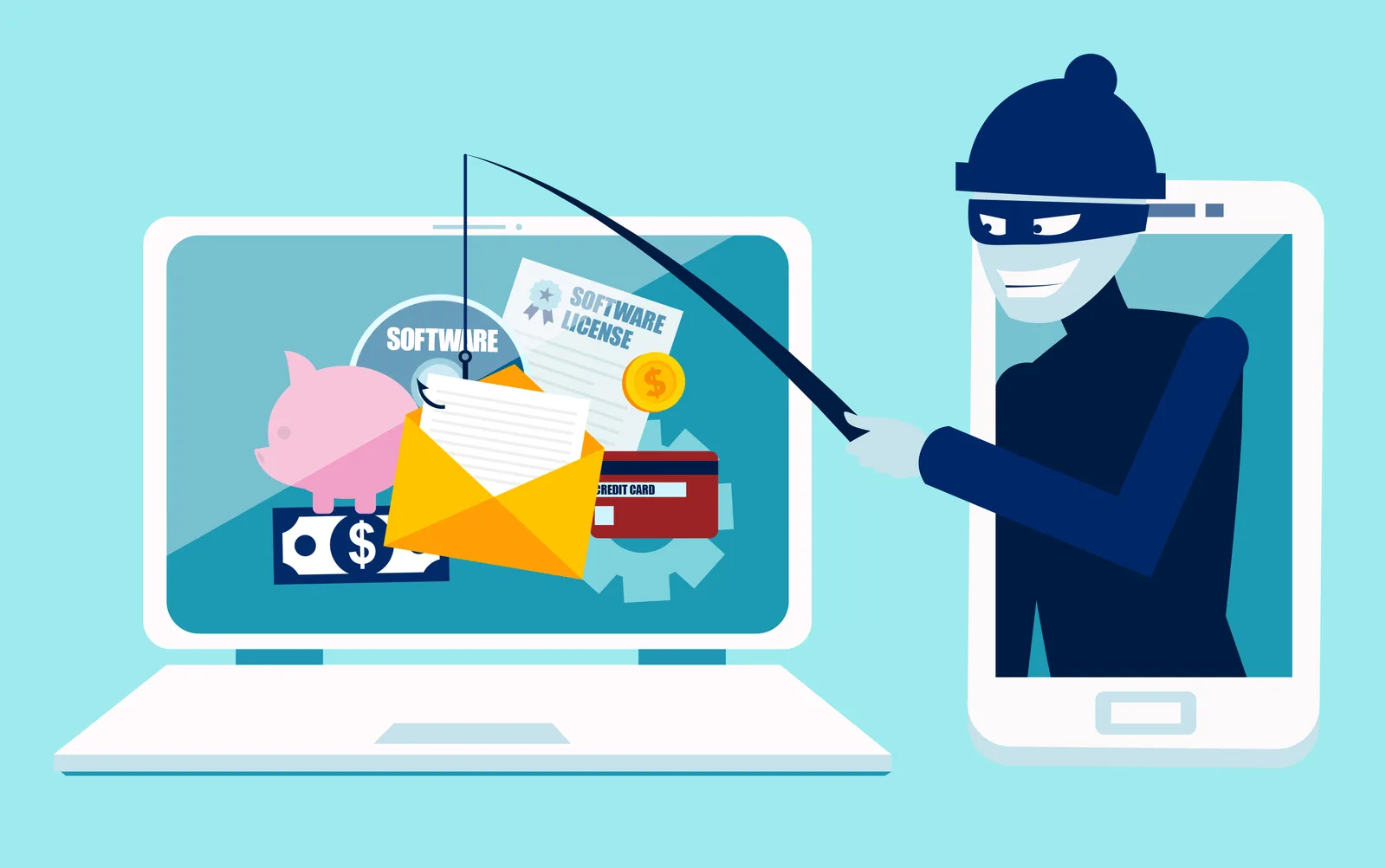
Open enrollment creates new opportunities for benefits-related phishing scams.
Downloading a report may take only a few seconds, but the file can remain on a computer for months or even years.