Cybersecurity Awareness Month: Simple Steps to Protect Sensitive Information
October is Cybersecurity Awareness Month.
Protecting sensitive information also requires attention to physical security.
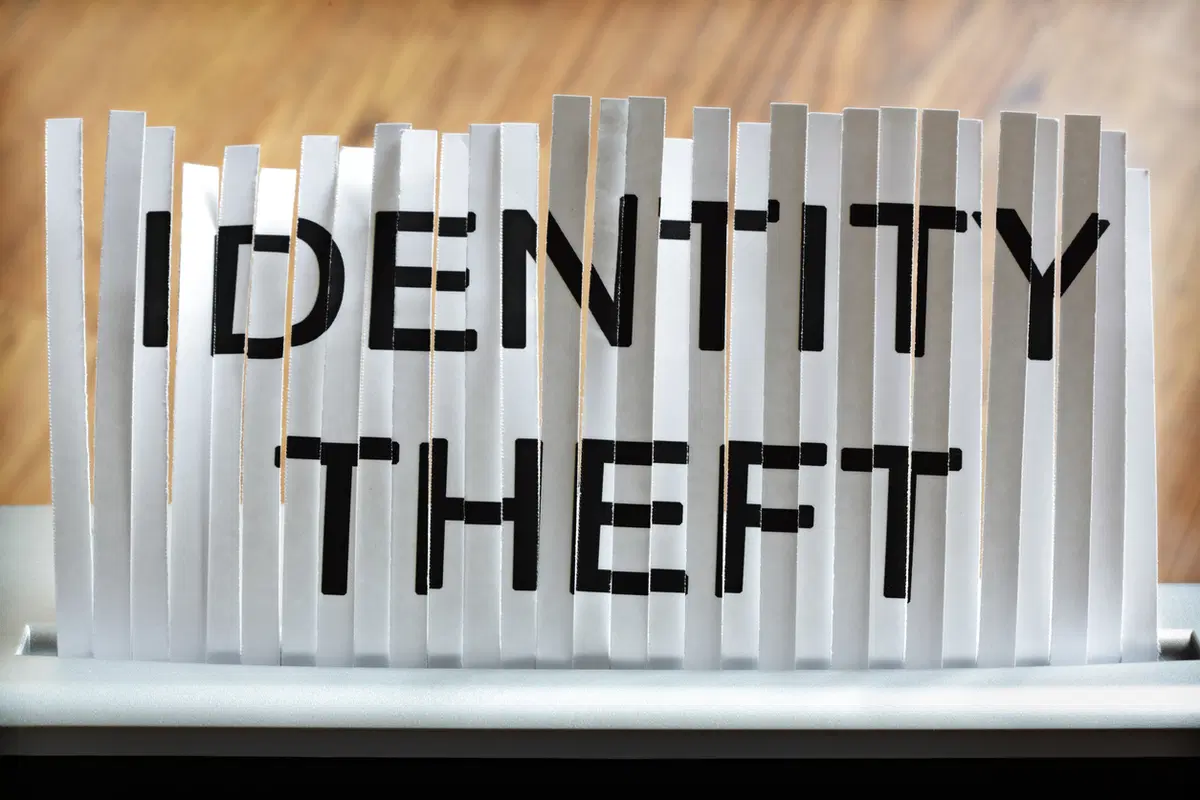
When employers think about protecting employee information, the focus is often on cybersecurity, strong passwords, and multi-factor authentication. While these safeguards are important, protecting sensitive information also requires attention to physical security. Something as simple as a benefits enrollment form left on a desk or an employee file sitting on a printer can expose confidential information to unauthorized individuals.
For HR and benefits departments, clean desk practices are an important part of maintaining employee privacy and reducing the risk of accidental disclosures.
HR professionals routinely work with information that employees expect will remain confidential. This may include:
Because this information is used throughout the workday, it can be easy for documents to remain on desks or in common areas longer than intended. Taking a few simple precautions can help reduce unnecessary risk.
Not every privacy incident involves a sophisticated cyberattack. Many occur because sensitive information is inadvertently left where others can see it.
Examples include:
These situations may seem minor, but they can result in unauthorized access to confidential employee information.
Developing consistent daily practices can significantly improve information security. Consider encouraging HR staff to:
These habits help protect employee information while supporting your organization’s overall security program.
Conference rooms, shared work areas, and hybrid work environments deserve the same attention.
After meetings involving employee information, make sure to:
A quick review before leaving a meeting room can prevent accidental disclosures.
Clean desk practices are not simply about keeping an organized workspace. They are an administrative safeguard that helps protect confidential employee information and demonstrates your organization’s commitment to privacy and information security.
Regular reminders, employee training, and management support can help reinforce these practices and make them part of everyday operations.
Protecting employee information requires both technical and administrative safeguards. While cybersecurity tools play an important role, simple practices such as securing paper records, locking computer screens, and promptly removing confidential documents from shared areas remain equally important. By making clean desk practices part of your daily routine, HR departments can help reduce the risk of accidental disclosures and better protect the sensitive information entrusted to them.
Benefit Allocation Systems (BAS) provides online solutions for: Employee Benefits Enrollment; COBRA; Flexible Spending Accounts (FSAs); Health Reimbursement Accounts (HRAs); Leave of Absence Premium Billing (LOA); Affordable Care Act Record Keeping, Compliance & IRS Reporting (ACA); Group Insurance Premium Billing; Property & Casualty Premium Billing; and Payroll Integration.
MyEnroll360 integrates with major insurance carriers for enrollment eligibility management (e.g., Blue Cross, Blue Shield, Aetna, United Health Care, Kaiser, CIGNA and others), and with leading payroll platforms for enrollment deduction management (e.g., Workday, ADP, Paylocity, PayCor, UKG, and others).
This article is for informational purposes only and is not intended as legal, tax, or benefits advice. Readers should not rely on this information for taking (or not taking) any action relating to employment, compliance, or benefits. Always consult with a qualified professional before making decisions based on this content.
October is Cybersecurity Awareness Month.
Benefits adjustments can create financial, operational, and compliance challenges.
Ensuring information is accurate and consistent across systems is an important part of meeting ACA requirements.