

IRS Encourages Reporting of Tax Fraud, Scams, and Suspicious Activity
Employers should encourage employees to report suspicious requests involving payroll, tax documents, or employee information.

Email is one of the most common ways sensitive employee information is unintentionally exposed.
Email is one of the most common tools used in HR and benefits administration. It is fast, convenient, and essential for day-to-day communication. However, it is also one of the most common ways sensitive employee information is unintentionally exposed. In many cases, these incidents are not caused by system failures, but by simple, everyday mistakes.
Because HR teams regularly handle personal, financial, and health-related information, it is important to understand where risks arise and how to reduce them.
One of the most frequent issues is sending an email to the wrong person. Auto-fill features can easily result in selecting the wrong contact, especially when names are similar. Outdated distribution lists or saved contacts can also lead to messages being sent to unintended recipients.
Even a single misdirected email can result in sensitive employee information being shared outside the intended audience.
Another common mistake is attaching the wrong file. This can happen when multiple documents are open or when files have similar names. In some cases, a file may contain information about multiple employees when only one individual’s data was intended to be shared.
These errors can significantly increase exposure, particularly when documents contain detailed personal or benefit information.
Responding to all recipients on an email chain can unintentionally share information with a broader group than intended. This is especially risky when responding to messages that include distribution lists or multiple stakeholders.
Limiting responses to only those who need the information helps reduce unnecessary exposure.
In some cases, the issue is not who the email is sent to, but what is included. Sending full reports, complete Social Security Numbers, or detailed records when only limited information is needed increases risk.
Sharing only the minimum necessary information helps protect employee data and reduces the impact if an error occurs.
Email is not always the appropriate method for transmitting sensitive data. Sending documents containing personal or health-related information without using approved secure methods can increase the risk of unauthorized access.
Employers should follow established procedures for secure communication when handling sensitive information.
Forwarding messages without reviewing the full email thread can result in unintended disclosure. Prior messages or attachments may contain information that was not meant to be shared with the new recipient.
Taking a moment to review the full content before forwarding can prevent this type of mistake.
Email errors can lead to the exposure of sensitive employee information, create confusion, and require time and effort to correct. They may also raise compliance concerns depending on the type of information involved.
Just as importantly, these situations can impact employee trust. Employees expect that their personal information will be handled carefully and shared appropriately.
Simple steps can significantly reduce the likelihood of email-related issues:
If an email is sent in error, it is important to report the issue promptly. Early awareness allows the appropriate steps to be taken to limit impact and address the situation. Attempting to resolve the issue without escalation can increase risk.
Protecting employee information is a shared responsibility across HR, payroll, and benefits administration. Consistent processes, attention to detail, and awareness of common risks all play an important role.
Benefit Allocation Systems (BAS) provides online solutions for: Employee Benefits Enrollment; COBRA; Flexible Spending Accounts (FSAs); Health Reimbursement Accounts (HRAs); Leave of Absence Premium Billing (LOA); Affordable Care Act Record Keeping, Compliance & IRS Reporting (ACA); Group Insurance Premium Billing; Property & Casualty Premium Billing; and Payroll Integration.
MyEnroll360 integrates with major insurance carriers for enrollment eligibility management (e.g., Blue Cross, Blue Shield, Aetna, United Health Care, Kaiser, CIGNA and others), and with leading payroll platforms for enrollment deduction management (e.g., Workday, ADP, Paylocity, PayCor, UKG, and others).
This article is for informational purposes only and is not intended as legal, tax, or benefits advice. Readers should not rely on this information for taking (or not taking) any action relating to employment, compliance, or benefits. Always consult with a qualified professional before making decisions based on this content.
Employers should encourage employees to report suspicious requests involving payroll, tax documents, or employee information.

October is Cybersecurity Awareness Month.
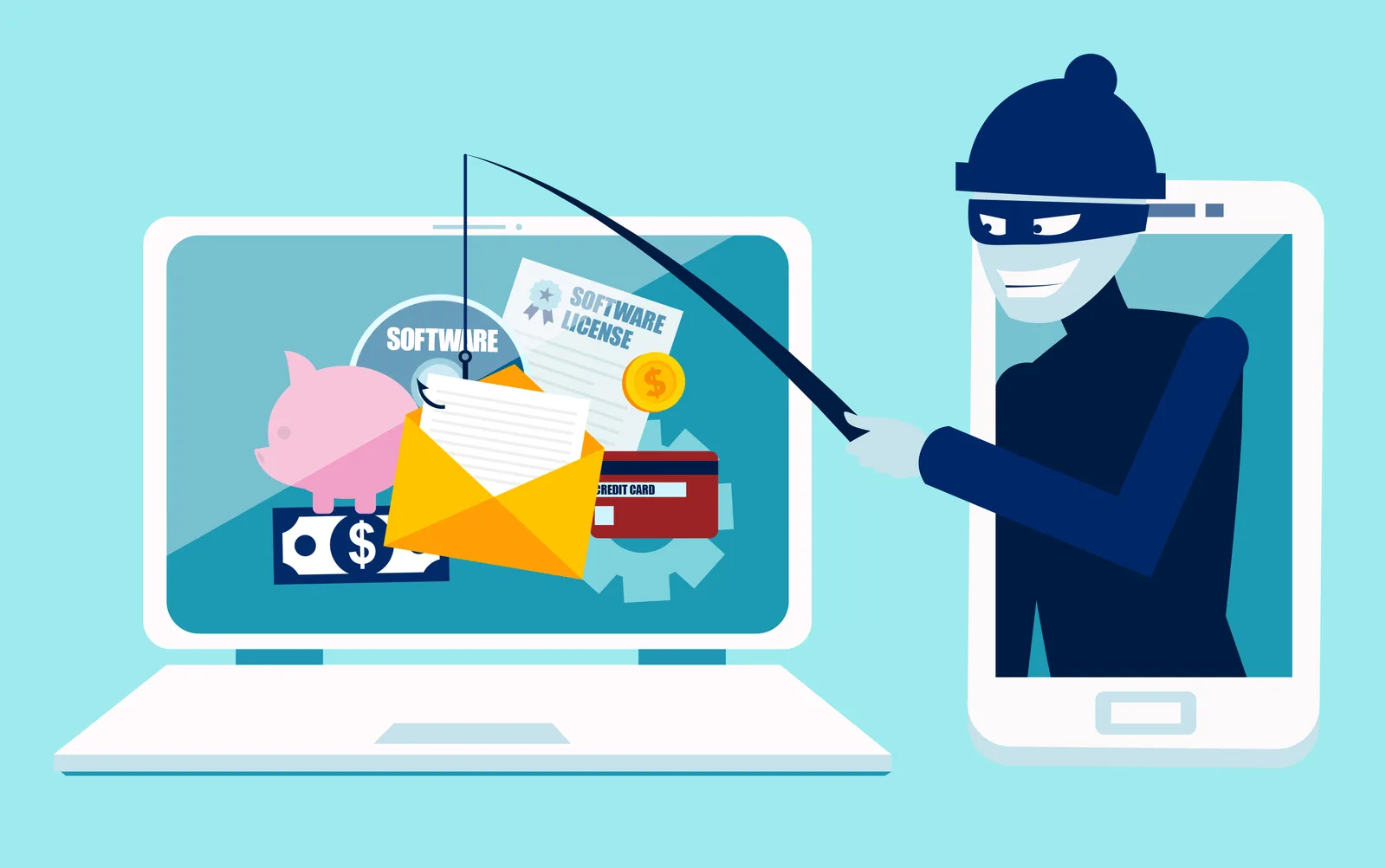
Open enrollment creates new opportunities for benefits-related phishing scams.